
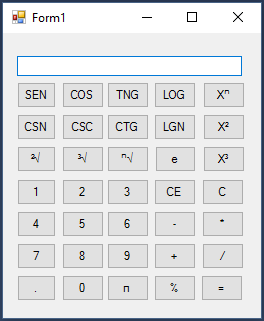
Calculadora Científica
Visual Basic.NET
 (4)
(4)Publicado el 3 de Enero del 2018 por Bryan
26.790 visualizaciones desde el 3 de Enero del 2018
 Crear cuenta(4)
 (3)(33)
 (3)
(3)
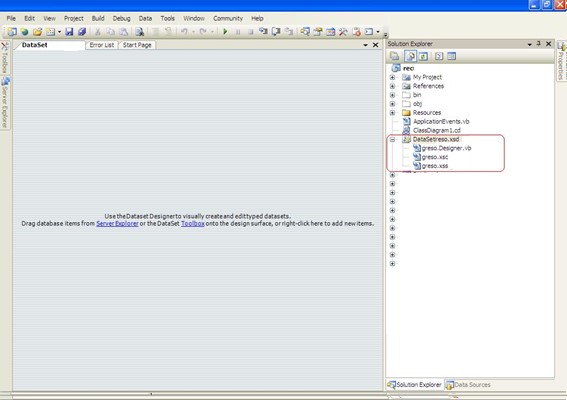
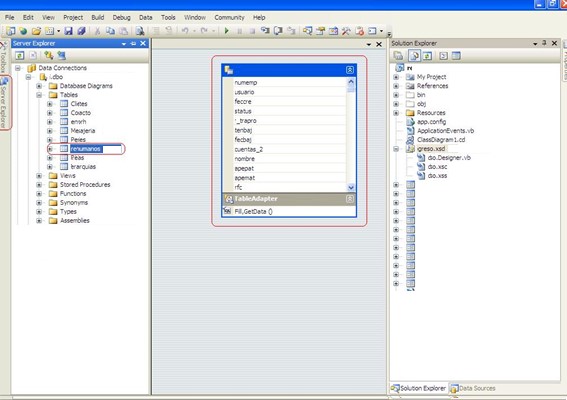
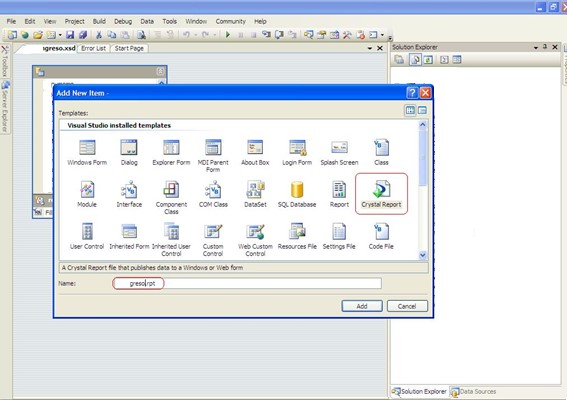
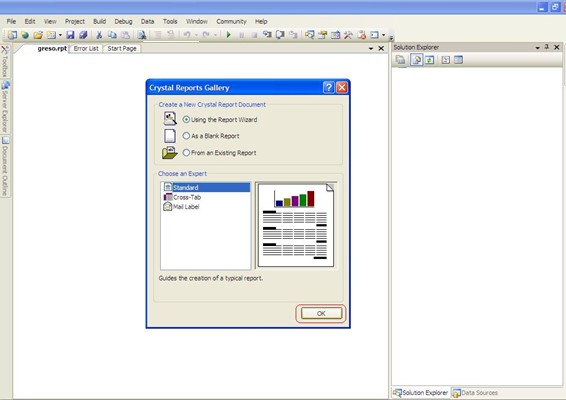
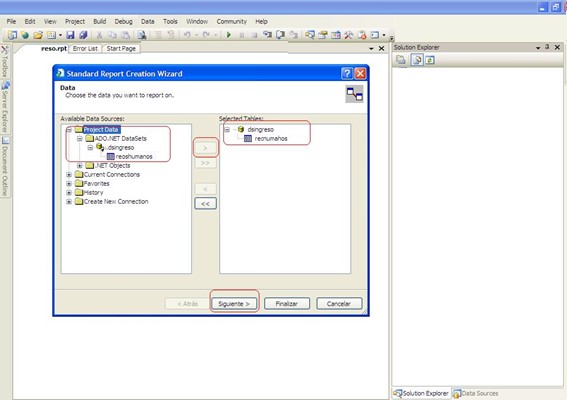
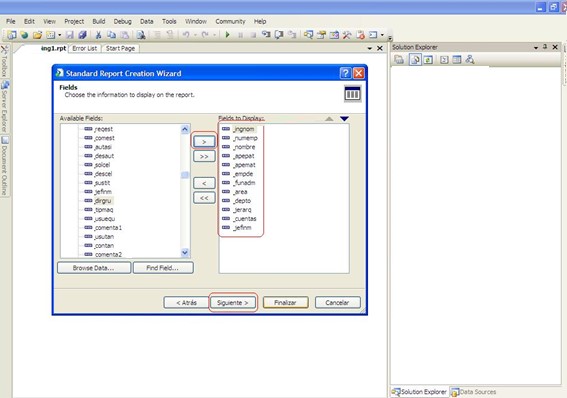
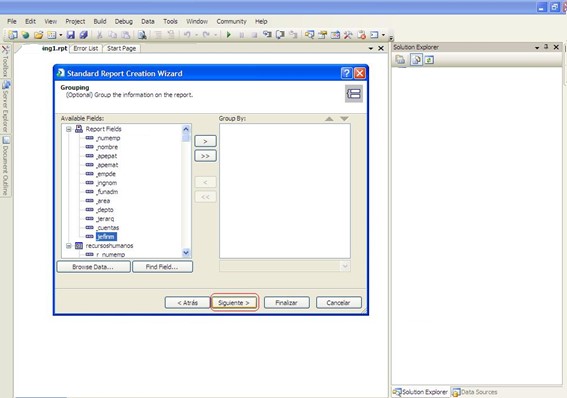
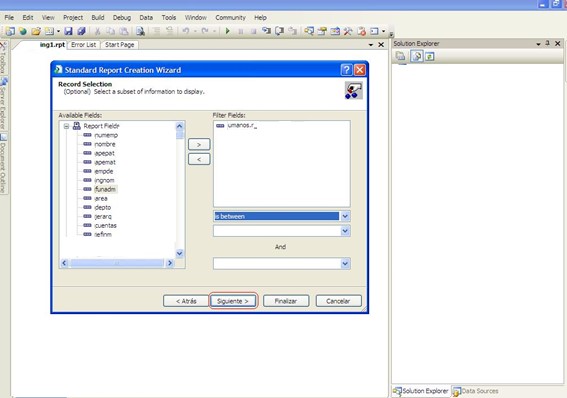
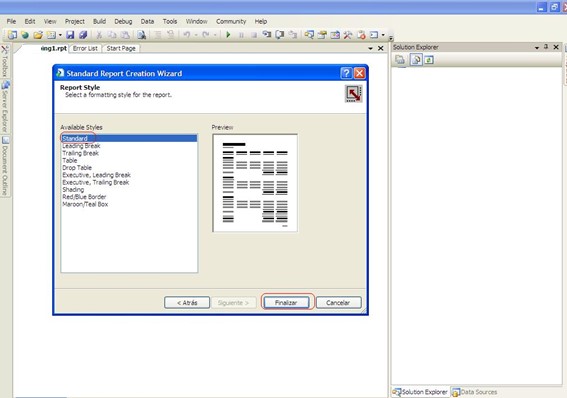
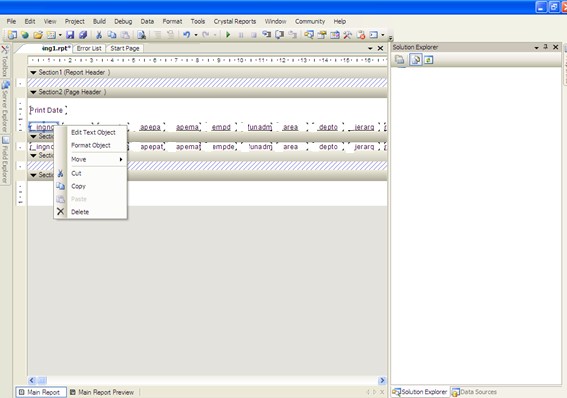
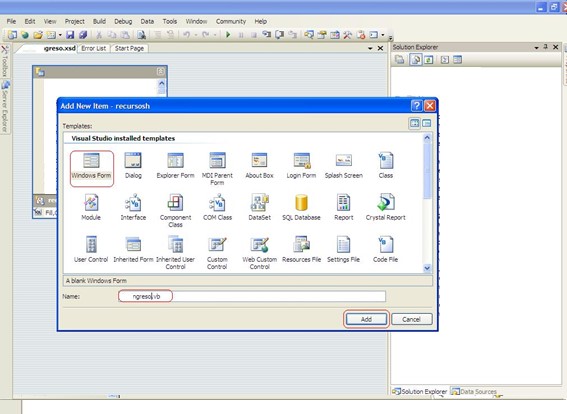
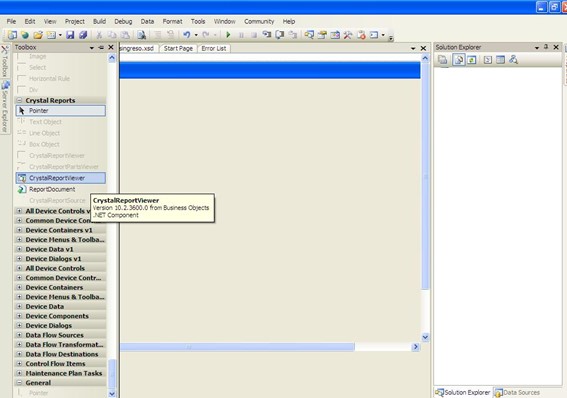
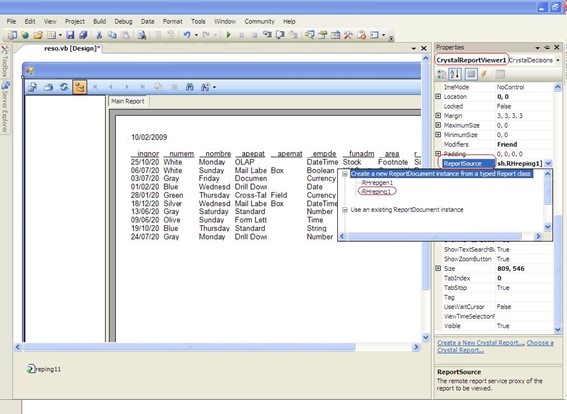
Imports System.Data.SqlClient
Imports System.DataPrivate Sub ingresos_Load(ByVal sender As Object, ByVal e As System.EventArgs) Handles Me.Load
Cnn.openTry
Dim Ds As New dsingresos
Dim Da As New SqlClient.SqlDataAdapter("Select * From TABLA " & _
"where FECHA_INGRESO >= '" & CAMPO_INGRESO.DateTimePicker11.Text & "' and FECHA_INGRESO <= '" & CAMPO_INGRESO.DateTimePicker22.Text & "' order by FECHA_INGRESO", Cnn)
Da.Fill(Ds, "TABLA")
'Mandar los datos al dataSet y muestralos 'se tiene que crear forzosamente esta instancia para poder pasar 'parametros... Dim Reporte As New NOMBRE_REPORTE
Reporte.SetDataSource(Ds)
Reporte.SummaryInfo.ReportTitle = "TITULO DE MI REPORTE " & Today
Reporte.PrintOptions.PaperOrientation = CrystalDecisions.Shared.PaperOrientation.Landscape
Me.CrystalReportViewer1.ReportSource = Reporte
Catch ex As Exception
MessageBox.Show(ex.ToString)
End Try
End Sub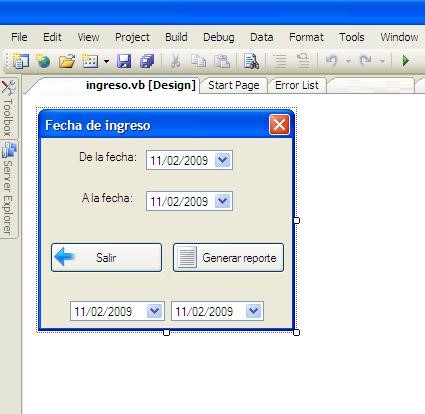
Imports system.DateTimePrivate Sub Button2_Click(ByVal sender As System.Object, ByVal e As System.EventArgs) Handles Button2.Click
'Se asigna al 11 y 22 para que no cambie el fomato de fechas DateTimePicker11.Text = DateTimePicker1.Text
DateTimePicker22.Text = DateTimePicker2.Text
'Cambia formato de fechas para 11 y 22DateTimePicker11.CustomFormat = "yyyyMMdd"
DateTimePicker11.Format = DateTimePickerFormat.Custom
DateTimePicker22.CustomFormat = "yyyyMMdd"
DateTimePicker22.Format = DateTimePickerFormat.Custom
My.Forms.ingresos.ShowDialog()
End Sub
(2) (21)
(21) (4)
(4) (1)(1)(4)